Pagination
- New “select” and “input” variants
- First and last page buttons
- Page size and status
This enhanced pagination has also been bundled with the table component making it easier to show pagination for your table based UI.

Anatomy of the additional features that come with each pagination variant.
- Page size: allows the user to select the number of items per page.
- Page status: show what range is currently displayed.
- First and Last page buttons allow the user to navigate to the start and end.
Rounded button
We have added the ability to render a button as “rounded”. Use the rounded shape when the action needs to stand out from the normal flow and shape of other actions on the page. It should be used sparingly and with intention. For example, persistent on-page helpers like “Need help?” floating chat button or circular controls for the content carousel slider.

Button group variants & appearance
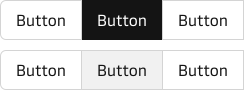
There are now three variants to the button group: bordered (default), borderless and rounded.

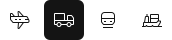

We have also added a new “selected appearance” property that affects how selected buttons in the group are rendered.
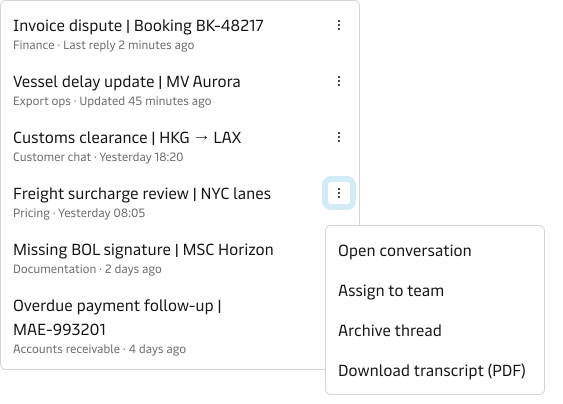
List action button
Brand indicators
We have added new “brand indicators” to the Tree Navigation, Tabs and Pagination Components. This visual refresh brings back a splash of brand colour to our UIs and helps with navigation orientation.

Graduated from the lab 🧪
The following have graduated from MDS experiments and are now considered production ready and supported by the MDS: