Maersk typography supports multiple applicable styles that can impact the visual narrative and perception of text content.
Font weight
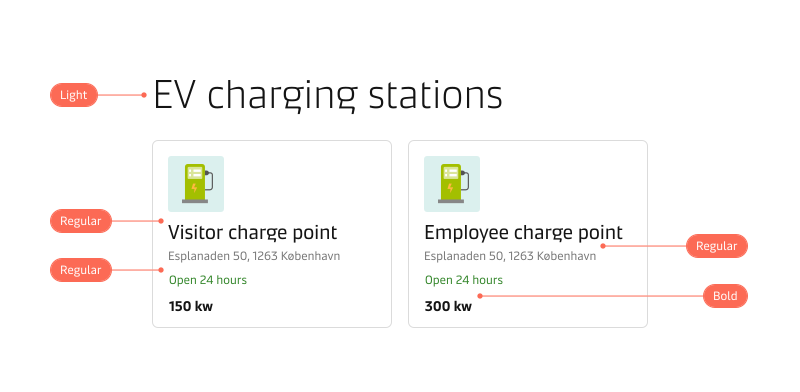
Font weight is the thickness of a font’s stroke. Using various weights contributes to differentiating content hierarchy. We recommend using Light, Regular, and Bold for all text content. Maersk headline styles come with predefined font weights that are out of the box and should not be changed.
Balance font weight and size to create a clear content hierarchy. When the font size is the same, a bold font will always have more emphasis than a lighter-weight font. However, a lighter-weight font can be higher in the hierarchy than a bold-weight font if it uses a larger font size.
Italic
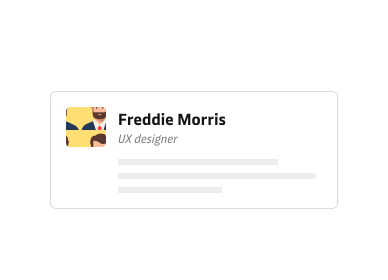
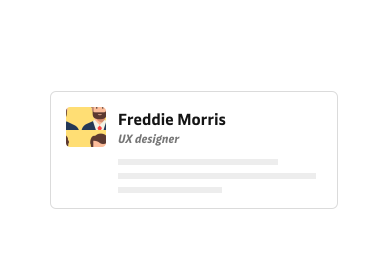
Use Italic style when you need to emphasise certain words or phrases. Avoid combining it with bold weight, as this can create unnecessary double emphasis and may hinder readability in small-sized text.
Monospaced numbers
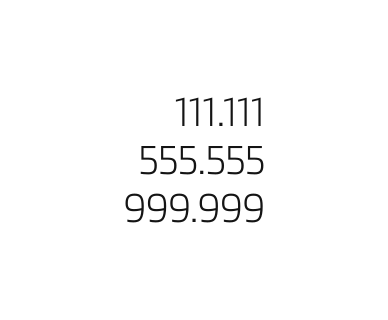
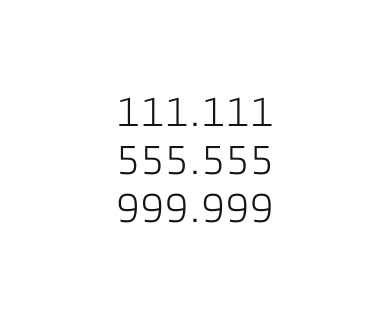
Maersk typefaces support monospaced tabular numbers. Use monospaced numbers to present numerical data that needs to be compared vertically, like in data tables or invoice documents. Monospaced numbers are also a helpful way to control layout shifts if the numbers are dynamically changing in value and width, e.g., clock time. Read more in our numbers guidelines.
Underline
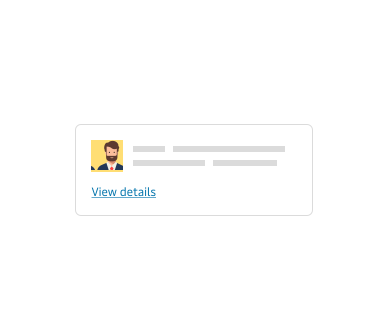
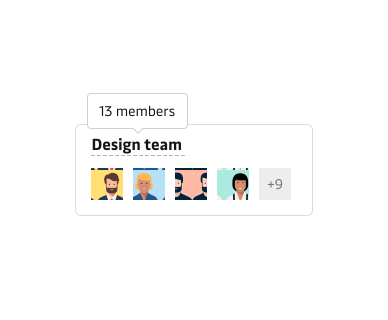
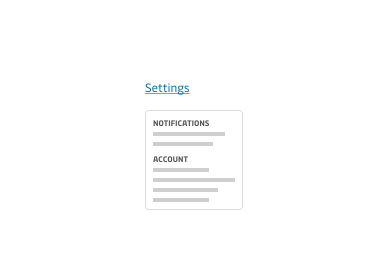
The underlined text serves two purposes: linking to other pages or offering additional contextual information through a tooltip or a popover. Links use a solid underline style. The dotted underline indicates a trigger to disclose further details on mouse hover or touch.
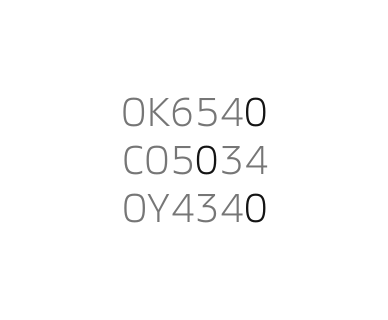
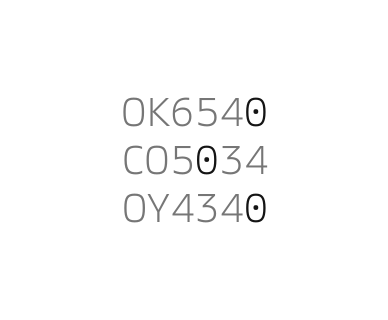
Slashed/dotted zero
In Maersk, a slashed zero is visualised as a zero with a dot to distinguish it from the letter “O”. The primary use case is for alpha-numerical codes. Read more in our numbers guidelines.
Casing
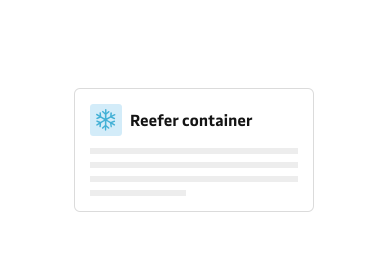
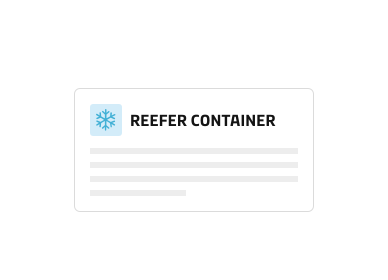
Use sentence case when writing. It makes text clear and easy to read. Avoid using ALL CAPS unless it is for well-known abbreviations and acronyms. Consistent use of all caps can hinder accessibility and readability and may cause miscommunication. People may perceive it as urgent and demanding, even if that is not the intention.
Colours
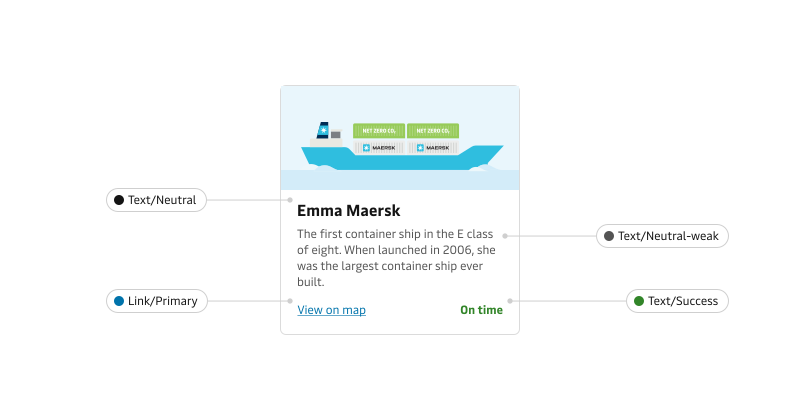
Maersk Design System provides colour tokens specifically selected for text. These colours are accessibility compliant; we recommend using them for all your text content. Generally, use Neutral colours for headlines and body text since that provides the best accessibility and readability. View our Text colour tokens.