Follow the recommendations below to increase typographic consistency and coherence across Maersk digital products.
Hierarchy
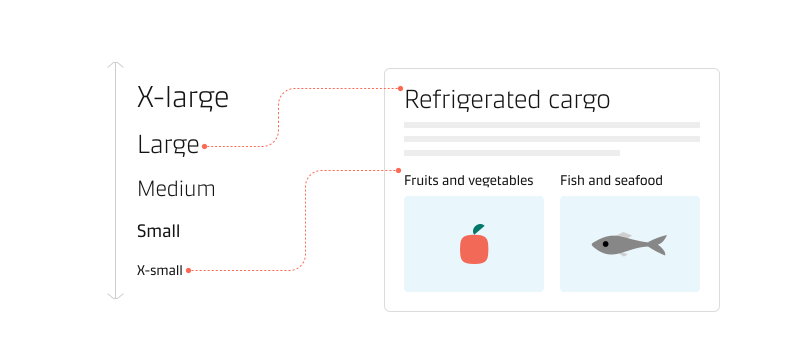
The available typeface scale provides nine levels of hierarchy (five headlines and four text sizes). There is no need to use all hierarchy levels if a project does not require them. Each level should have a purpose communicated through the different font styles.
Headlines and sub-headlines
Headlines communicate vital short messages or numerals. These styles are more prominent in the interface and naturally draw the user’s eye to them. Users should instantly grasp the purpose of the section and layout region to which the headline and sub-headlines belong.
Body text
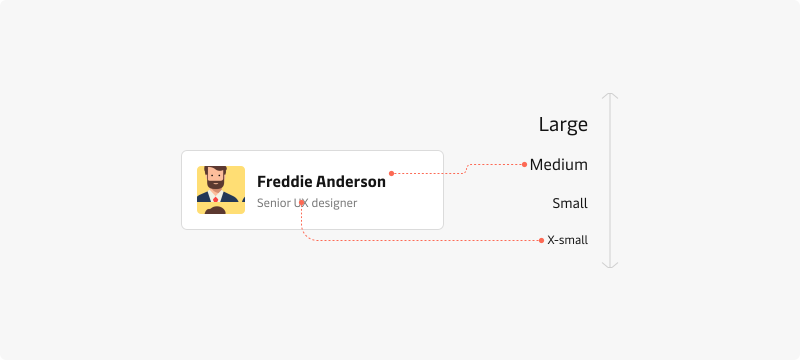
Body text communicates short and long text messages. It can be grouped with headlines or displayed as part of another component that transmits the general purpose of the body text.
Space
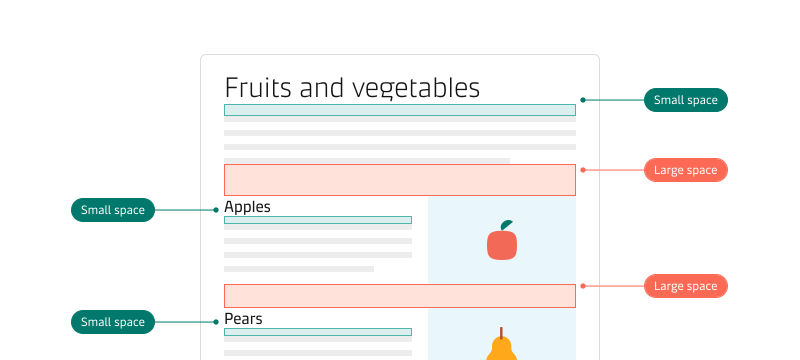
Space creates a relationship between text and the content it belongs to. As a general rule, text (e.g., a headline) should be spaced closer to the content it belongs to and have more space for content that belongs to other sections/regions. Read more about consistent spacing and how it creates rhythm.
Headlines that represent the page or application title should use enough space around them to disconnect them from a specific content region and designate them as the main title in the page hierarchy.
Truncation
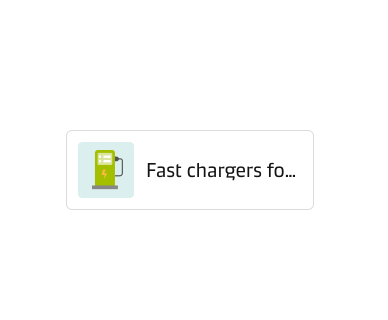
Truncation is a technique that involves displaying only a portion of text or content, often due to space or layout constraints. It helps to prevent visual clutter and cognitive overload but brings the risks of hindering comprehension of the text message.
Use truncation sparingly only when it is necessary. Ensure that the truncated message remains meaningful and communicates clearly.. Read more in our truncation guidelines.
Readability
Follow the guidelines below to help readers absorb information from the text and achieve optimal readability and scalability in responsive layouts.
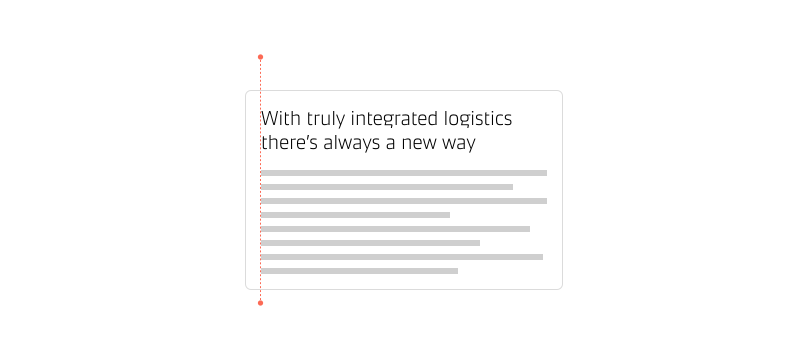
Left-alignment
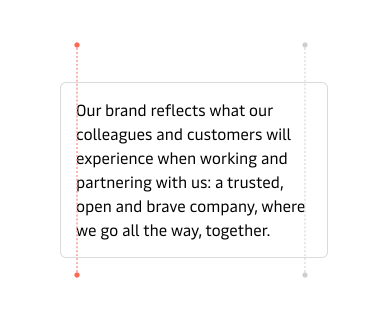
When working with large blocks of text, use left-aligned text. It makes information more accessible to read and understand for left-to-right languages.
Maersk typography does not support right-to-left languages, like Arabic or Hebrew.
Right-alignment
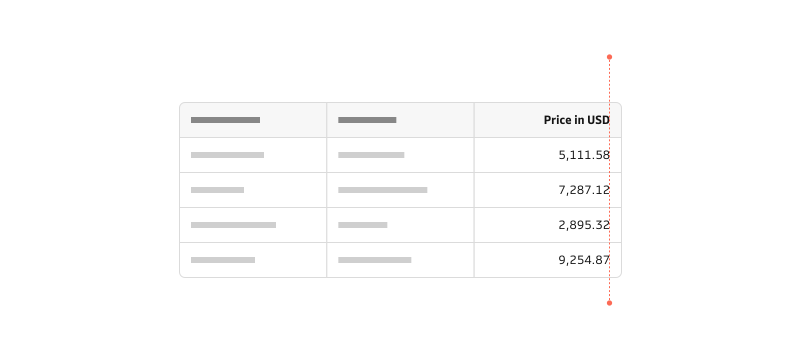
Use right-aligned text for numeric values (including dates, times, and currency). This eases comparisons within a data set within a table column. Numeric values that are not comparable should be left-aligned to match the rest of the content.
Center-alignment
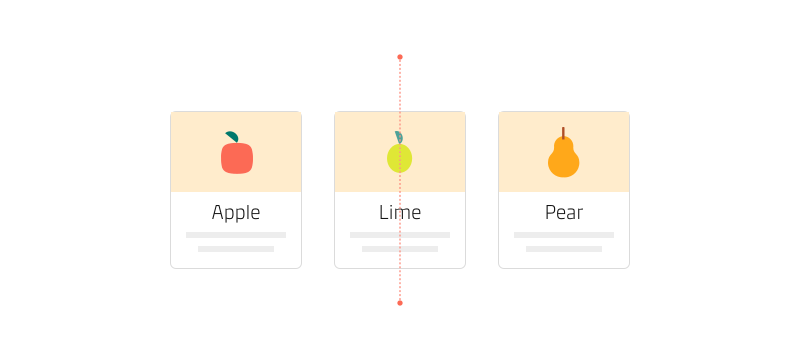
Centre-aligning should be used only for short sentences or blocks of text such as a pull quote, headlines with pictograms and key metrics. Avoid centre-aligning large blocks of text since that leads to additional eye movement on both sides of the text and can hinder reading accuracy.
Justified text
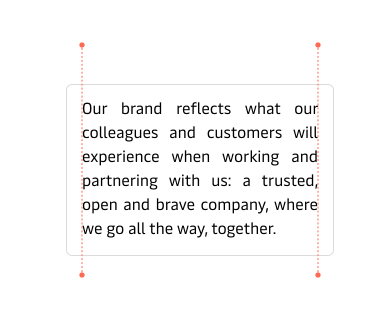
Avoid using justified text. It can lead to unnecessary negative space and gaps between words. Use it only if content needs to align with print materials.
Line-height
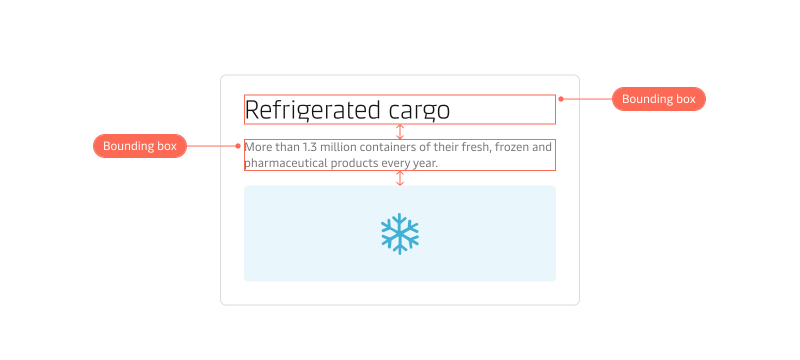
The typography tokens come out of the box with optimised line height for each font size. In Figma, the bounding box of text styles represents the line height. When spacing elements around text, use the bounding box to specify the space between text and surrounding elements.
Line length
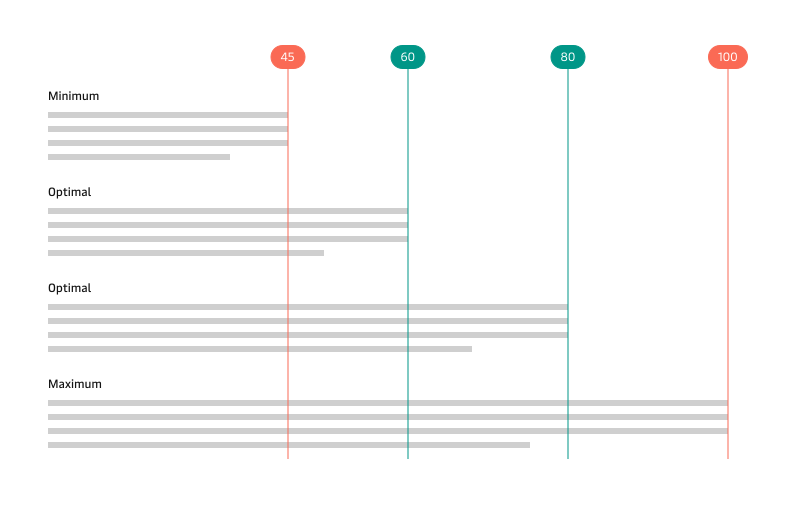
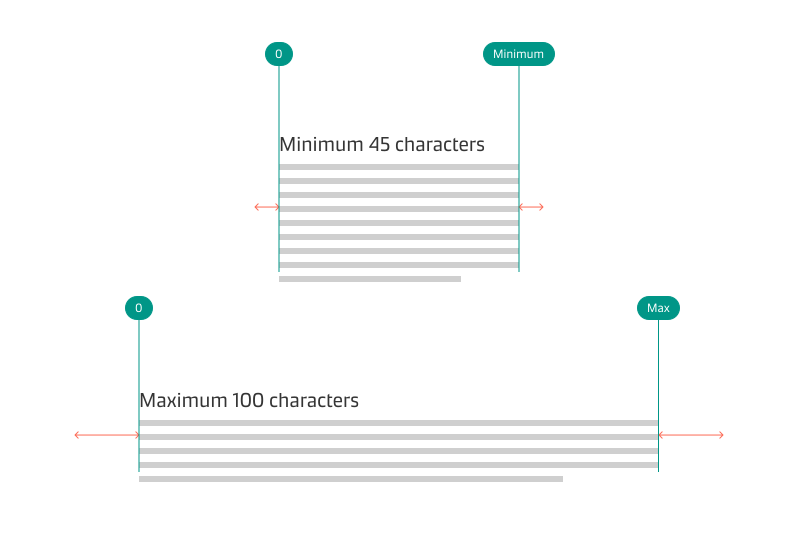
Aim for a line length of 60 to 80 characters, including spaces, which provides an optimal reading experience. Broad lines of text can be challenging to read and may hinder focus. Too narrow lines disrupt the reader’s rhythm, leading to skipping essential words. Avoid exceeding 100 characters per line in any block of text.
Responsive line length
Readers might control the layout width by resizing the browser window, so designing for an exact line length can be a challenge. Based on the font size, aim to set the maximum width of a text container to accommodate line lengths up to 100 characters (including spaces). When the content container reaches the maximum width, it will continue to expand with even margins on either side, and the text will stay readable.
Type for localisation
When translating a product, it is good to write for localisation. It also helps us shape inclusive text content that is easier for many cultures to understand.
Translated text can expand significantly, which can impact the interface layout and readability. For example, translating from English into German may expand text length by as much as 35%. Keeping headlines and labels as short as possible helps to avoid some of that impact.
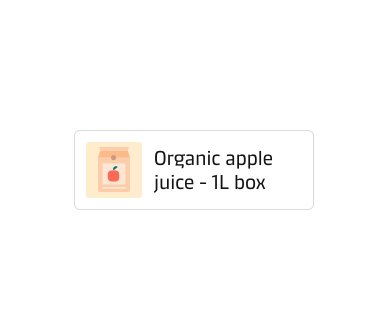
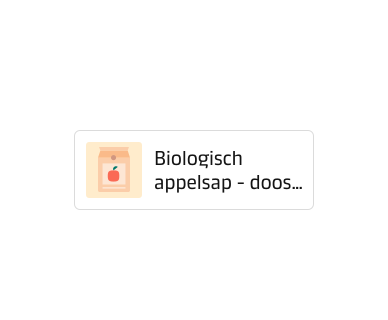
Use abbreviations only if they are industry standard and need not be localised or translated. Abbreviations make translation harder and can significantly impact the interface layout if one language uses abbreviations and the translated version uses the whole word.
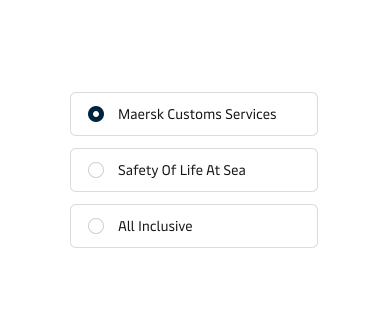
Localisation goes beyond translating text from one language to another while maintaining the same meaning. It adapts content, visuals and user experience to suit a specific market or culture. Please check also the Number localisation guideline.
Accessibility
All text within the Maersk design system meets the Web Content Accessibility Guidelines (WCAG) 2.0 level AA requirements to ensure legibility. We strongly recommend maintaining the predefined typography and colour tokens.
Always ensure sufficient contrast if you need to use custom colours for text content and its background. Contrast depends on the size and colour of the text against its background colour and the level of accessibility required for the product. The Colour Contrast Analyzer (CCA) can check if the contrast meets WCAG 2.1 requirements.