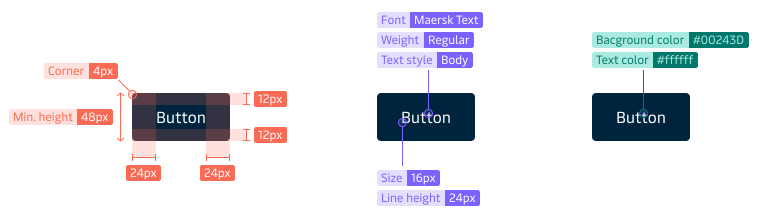
Each theme has a corresponding set of design tokens that define its visual style, e.g. colours, typography and borders.
- Provide a common language to represent all styling values for both designers and developers.
- Increase consistency across Maersk digital products and services.
- Make theming easy to manage and maintain.
- Provide another way to adopt the Maersk Design System.
- Make it easy and fast to add new appearances to existing components e.g. a danger button.
- Allow teams to apply the Maersk Design System look-and-feel to their own custom implementations e.g. styling of Flutter Widgets.
- Make it easier to do A/B and Multivariate testing.
A design token is a key-value pair, a paring of a name and value that clearly defines what something specific looks like e.g. what background color is used for the primary button:
{
  “name”: “primary”,
  “value”: “#42b0d5”
}
Maersk Design System design tokens are stored in plain text files (JSON) and are transformed into formats that are useable for developers and designers, e.g. CSS properties. You can read more about how to get started with design tokens in code under Get Started for Developers.
Maersk Design System design tokens cover:
- Typography
- Colours
- Borders
- Shadows
- Transitions
Global, Density, Brand and Implementation tokens
Maersk Design System design tokens are structured under three main categories - Global, Brand, Density and Implementation.
Global tokens
Global tokens are fixed values that make up the Maersk Design System DNA - this includes e.g. size, transition and layout.
Density tokens
Density tokens define the spacing values for three different density settings supported by the MDS: Default, Compact and Spacious.
Brand tokens
Brand tokens (brand and brand_appearance) are all the tokens that are used to create a brand, but also the tokens used for variations under a brand (also called brand-appearance).
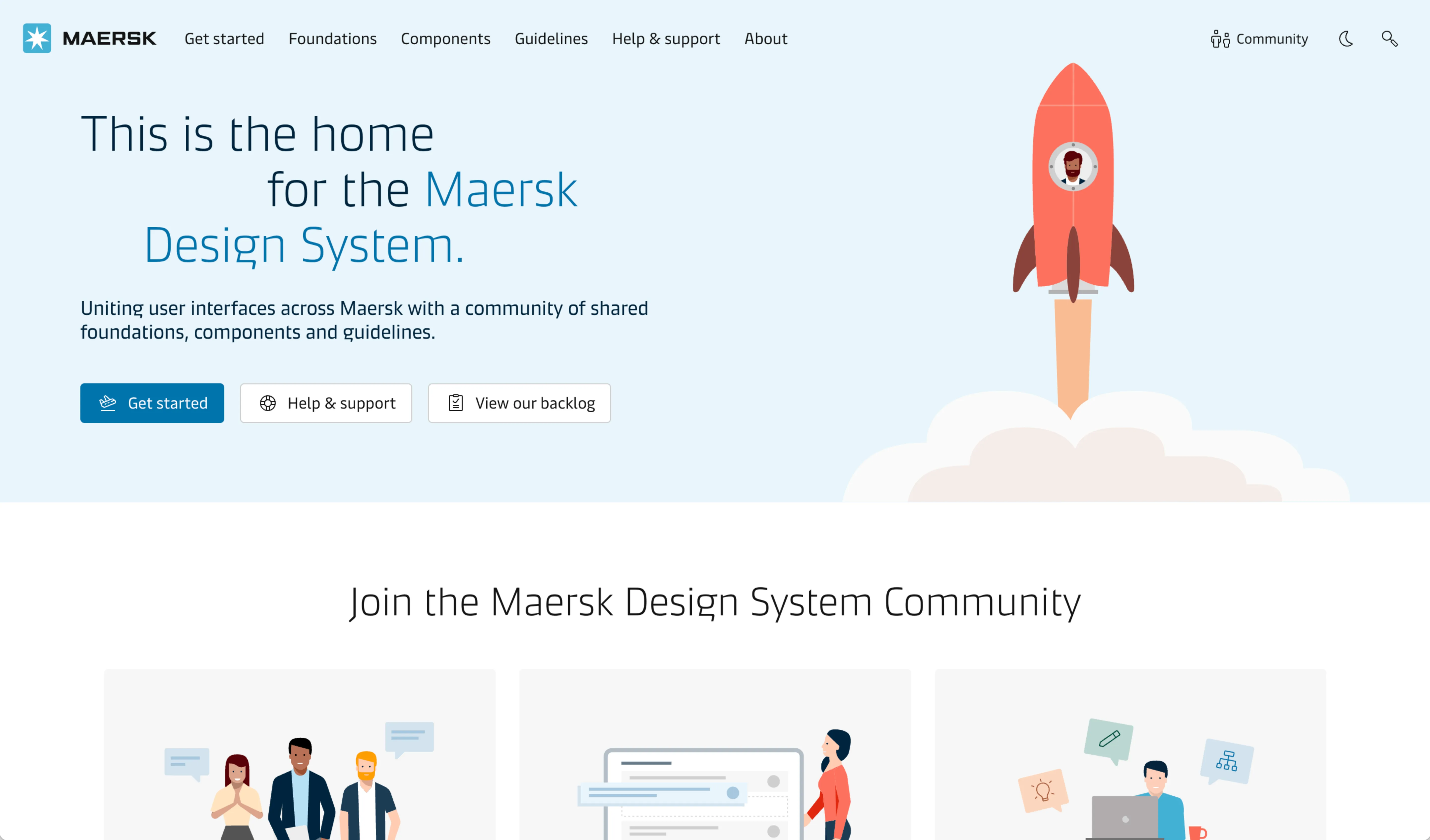
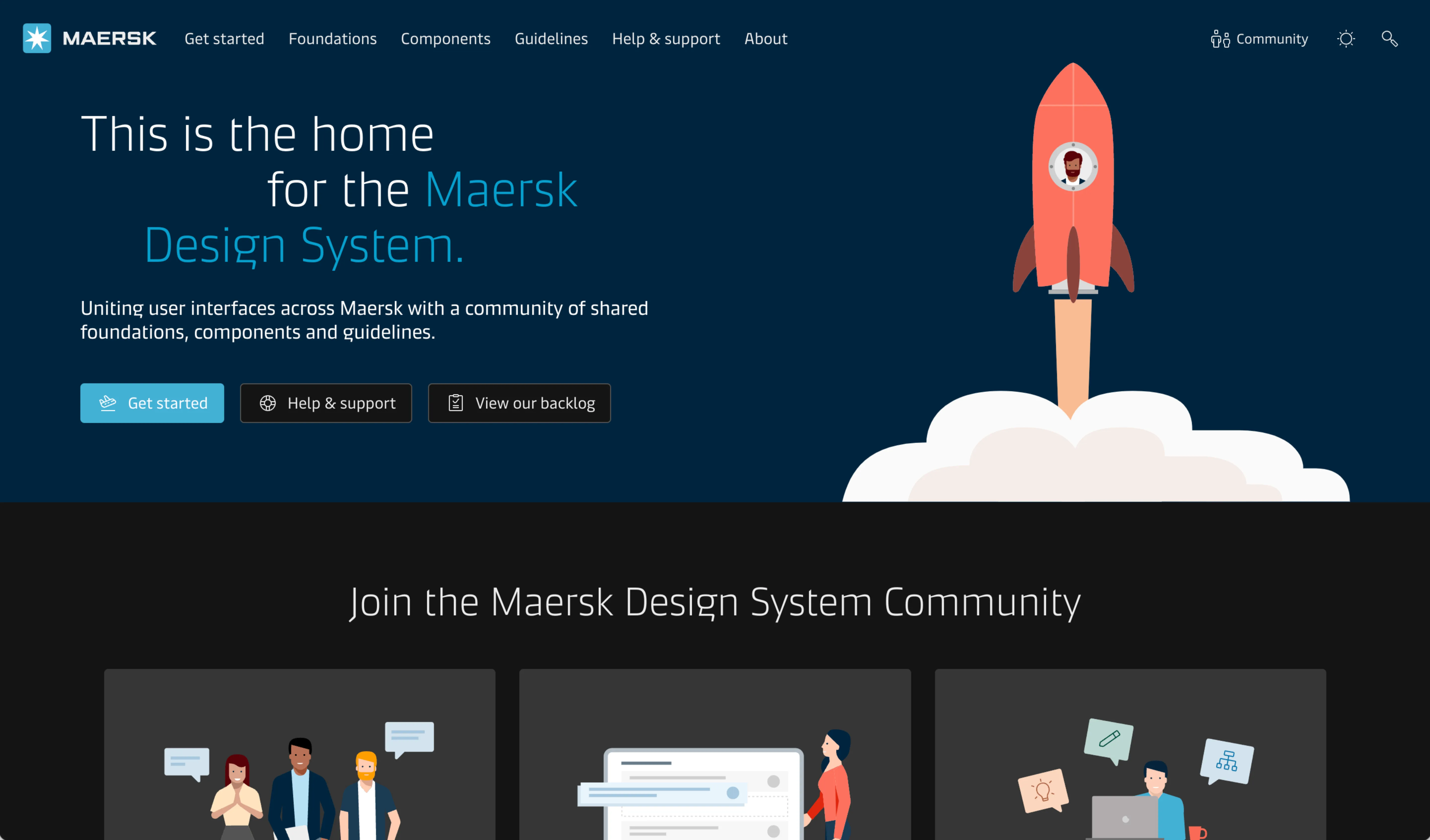
Below you see an example of the themes Maersk Light and Maersk Dark applied to this website.
You can also switch between these two themes by clicking the sun/moon icon in the header.
Naming convention
Each of the Maersk Design System design tokens follows the same naming convention that makes it possible to organise them into meaningful categories, which in the end makes them easier to understand and use.
All the Maersk Design System design tokens are created based on the following naming convention - where only depth, item, and attribute are mandatory:
Below is an example of how this naming convention is applied to the design tokens:
global_link_stand-alone_hover_text-decoration
brand_typography_headline_large_mobile_font-size
brand_appearance_primary_default_background-color
| Depth* | Item* | Variant | Platform | State | Attribute* |
|---|---|---|---|---|---|
| global | border | style | |||
| global | transition | slow | duration | ||
| global | link | inline | hover | text-decoration | |
| global | link | stand-alone | hover | text-decoration | |
| brand | typography | headline_large | mobile | font-size | |
| brand | typography | headline_large | desktop | font-size | |
| brand_appearance | primary | default | background-color | ||
| brand_appearance | primary | weakest | background-color | ||
| core | button | border-width | |||
| core | button | primary_filled | background-color | ||
| core | button | primary_filled | hover | background-color |
Using design tokens in code
For developers, we have made a guide on how to get started with the Theming and MDS Design Tokens. The guide includes:
- How to install
- How to use
- How to use in application code
- How to create a mapping file for MDS design tokens
- How to switch themes